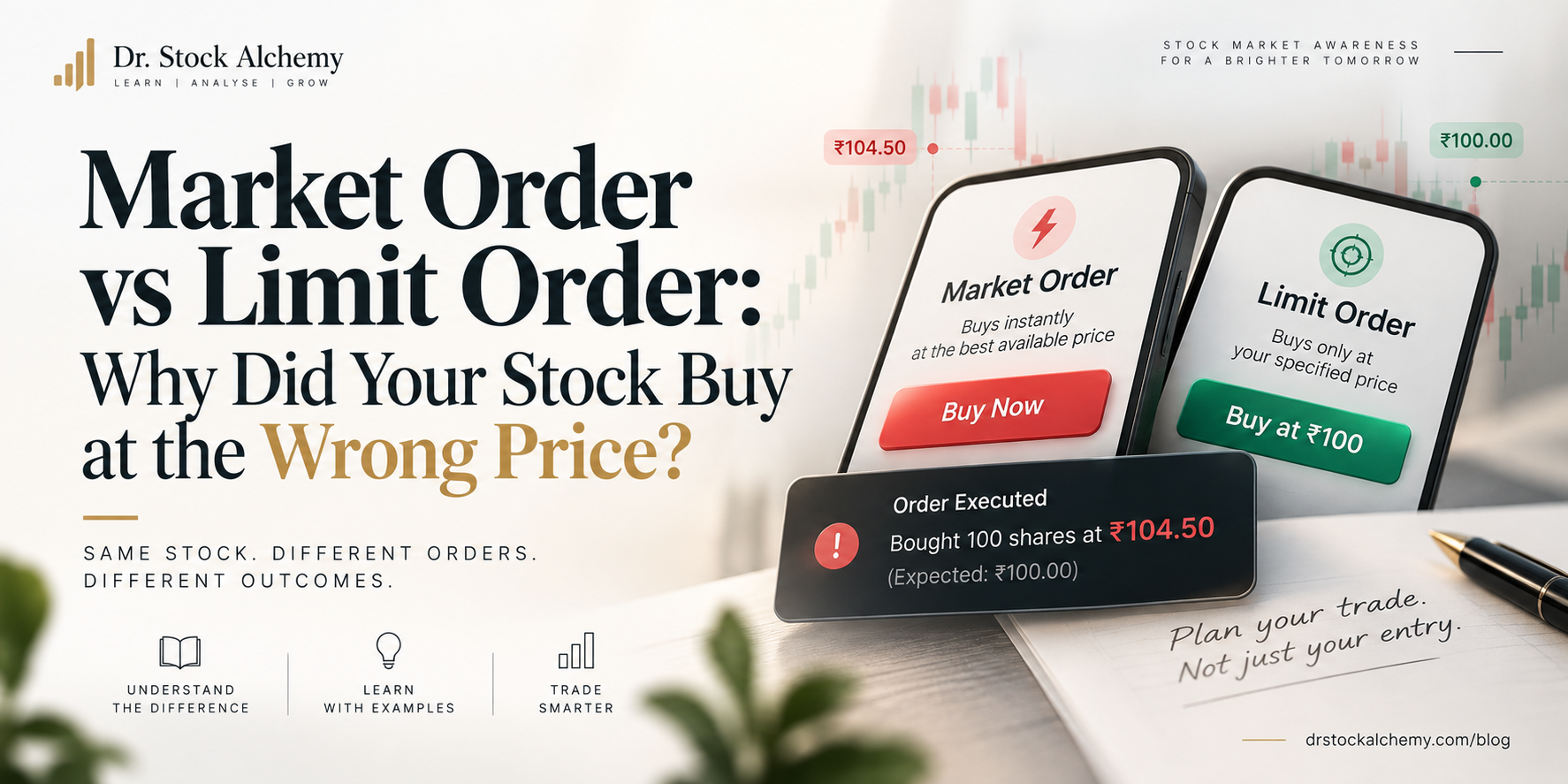
You Saw ₹100 on Your Screen. So Why Did You Buy at ₹101?
Imagine you're watching a stock that is trading at ₹100.
You decide to buy 100 shares. You place the order, and a few seconds later, your broker confirms the purchase.
But when you check the trade details, you see this:
Execution price: ₹101
You expected to spend ₹10,000. Instead, you spent ₹10,100, excluding charges.
Did your broker make a mistake?
Not necessarily.
The reason may be the type of order you placed.
When buying or selling stocks, two common order types are market orders and limit orders. Understanding the difference can help you avoid unpleasant surprises.
1. What Is a Market Order?
A market order tells your broker:
"Buy or sell the stock at the best available price in the market right now."
The main priority is execution, not a specific price.
Let's return to our example. You want to buy 100 shares of a stock.
The available sell orders, also called asks, look like this:
| Available quantity | Selling price |
|---|---|
| 20 shares | ₹100 |
| 30 shares | ₹100.20 |
| 50 shares | ₹100.50 |
| 100 shares | ₹101 |
You place a market order to buy 100 shares.
The exchange's order-matching system may fill your order like this:
- 20 shares at ₹100
- 30 shares at ₹100.20
- 50 shares at ₹100.50
Your average purchase price would be ₹100.35.
You wanted to buy at around ₹100, but your order consumed several available sell orders at different prices.
This is called slippage - the difference between the price you expected and the price at which your trade actually executes.
The larger the order and the thinner the available liquidity, the greater the potential price difference.
Important: A market order does not guarantee execution at the last traded price displayed on your screen.
2. What Is a Limit Order?
A limit order tells your broker:
"Buy or sell the stock only at this price or a better price."
Here, the priority is price control.
Suppose the stock is trading around ₹100, and you want to buy 100 shares.
You place a buy limit order at ₹100.
This means:
- You can buy at ₹100 or less.
- You cannot be matched at ₹100.50 or ₹101 through that limit order.
- If enough sellers are not available at ₹100 or below, your order may remain pending.
- If the order expires or is cancelled before execution, you may buy nothing.
A limit order protects you from paying more than your chosen maximum price.
But it does not guarantee that you will get the shares.
3. Market Order vs Limit Order
| Feature | Market Order | Limit Order |
|---|---|---|
| Main priority | Execution | Price control |
| Price guaranteed? | No | Yes, within the limit |
| Execution guaranteed? | Not necessarily | No |
| Can execute at multiple prices? | Yes | Yes, if within the limit |
| Useful when | Getting into or out of a liquid stock quickly matters | You want to control the maximum buying or minimum selling price |
For a buy limit order, the limit is the maximum price you're willing to pay.
For a sell limit order, the limit is the minimum price you're willing to accept.
4. The Misconception: "The Price on My Screen Is the Price I'll Get"
This is one of the most common beginner mistakes.
The price displayed on your trading app is often the last traded price, or LTP.
It tells you the price at which the most recent trade occurred.
But it does not necessarily tell you:
- The price of the next available seller.
- How many shares are available at that price.
- Whether the market has moved since the screen was updated.
For example, a stock's LTP might be ₹100, while the lowest available selling price is ₹100.40.
If you place a market buy order, you may pay ₹100.40 - or more if your order is large enough.
The bid-ask spread also matters.
- Bid: The highest price a buyer is currently offering.
- Ask: The lowest price a seller is currently willing to accept.
The difference between them is the spread.
A wider spread can make immediate buying or selling more expensive.
5. Which Order Should You Use?
There is no universally better order type.
Your choice depends on what matters more in that situation.
Choose a market order when:
- Getting the trade executed quickly is your priority.
- The stock is sufficiently liquid.
- You understand that the final execution price may differ from the displayed price.
Choose a limit order when:
- You have a maximum buying price or minimum selling price.
- You want to control the execution price.
- You are willing to wait or risk not getting filled.
For beginners, a limit order can be useful when price control matters more than immediate execution. However, it is not automatically safer in every situation.
6. One More Thing: A Limit Order Can Still Surprise You
Suppose you place a buy limit order at ₹100.
You might assume the entire order will execute at ₹100.
But if only part of the order can be matched at ₹100, the remaining quantity could execute at lower prices if sellers are available there.
For example:
- 40 shares at ₹99.80
- 60 shares at ₹100
The average execution price would be ₹99.92.
A limit order controls the worst acceptable price, not necessarily the exact price of every share.
And if the market moves above ₹100, your order may remain unfilled.
Practical Takeaway
Before placing a stock order, ask yourself:
- Do I need execution immediately?
- What is the maximum price I am willing to pay?
- How much liquidity is available?
- Am I looking at the last traded price or the actual order book?
Remember:
Market order = "Get me executed at the best available prices."
Limit order = "Execute only at my price or better."
Neither order type guarantees a profit. The right choice depends on the stock, market conditions, order size, and your objective.